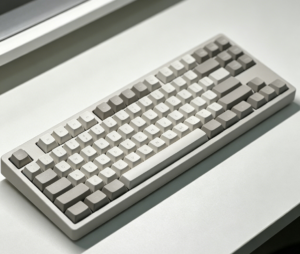
MAD60 vs MAD68: Which Keyboard Is Better for Your Setup?
MAD60 vs MAD68: Which Compact Keyboard Should You Buy?
Choosing between the MAD60 and MAD68 depends on your daily needs. Both are compact mechanical keyboards built for clean setups, fast input, and comfortable typing. The MAD60 uses a 60% layout for minimalists, gamers, and travelers, while the MAD68 adds arrow keys and extra functions in a 65% layout.
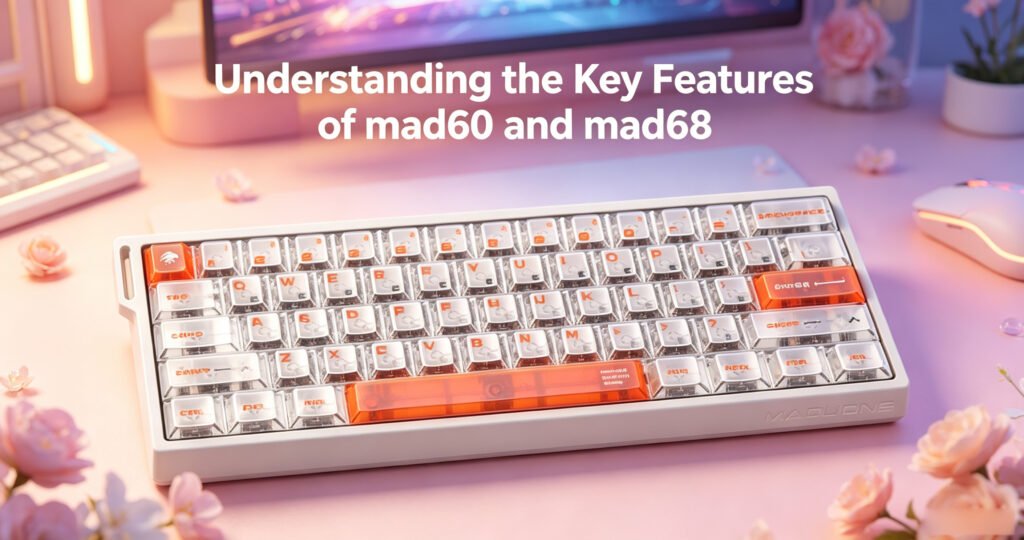
Understanding the Key Differences Between MAD60 and MAD68
The biggest difference between the MAD60 and MAD68 is the layout. The MAD60 removes the function row, arrow keys, and some navigation keys to create an ultra-compact keyboard. This makes it a great option for users who prefer a minimalist setup or need more space for mouse movement.
The MAD68, on the other hand, keeps a compact design but includes dedicated arrow keys and extra keys for easier daily use. This makes it more convenient for office work, programming, document editing, and users who frequently rely on navigation keys.
MAD60 Layout Highlights
- 60% compact keyboard layout
- Smaller footprint for limited desk space
- More room for mouse movement
- Ideal for minimalist setups
- Great for gaming and travel
- Requires function shortcuts for some keys
MAD68 Layout Highlights
- 65% compact keyboard layout
- Dedicated arrow keys
- Extra navigation functionality
- Better for productivity and office use
- Still compact and space-saving
- Easier transition from a full-size keyboard
If you want the smallest possible keyboard, the MAD60 is the better choice. If you want a compact keyboard with more practical daily functions, the MAD68 may be more suitable.
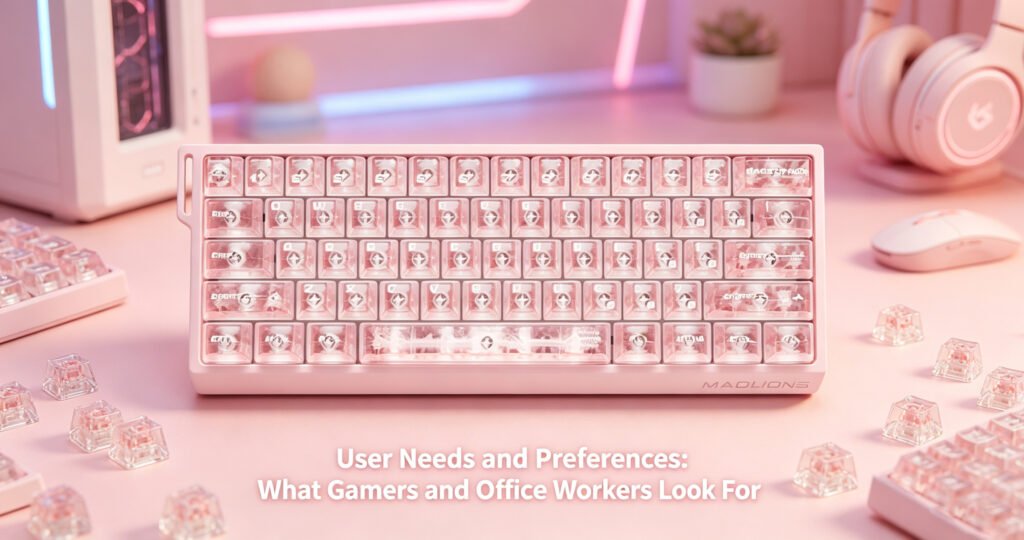
Switch Options and Typing Feel
Both the MAD60 and MAD68 mechanical keyboards can be equipped with different switch options, allowing users to choose the typing feel that best matches their preferences. Depending on the version, users may find linear, tactile, or clicky switches.
Linear switches are popular among gamers because they feel smooth and fast. Tactile switches are suitable for users who want clear feedback when typing. Clicky switches provide a more noticeable sound and feel, making them enjoyable for users who like a traditional mechanical keyboard experience.
Common Switch Preferences
- Linear switches: Smooth and fast, ideal for gaming
- Tactile switches: Balanced feedback, suitable for typing and work
- Clicky switches: Strong sound and feedback, preferred by some typists
Whether you are gaming, typing, coding, or working, both MAD60 and MAD68 offer enough flexibility to match different typing styles.
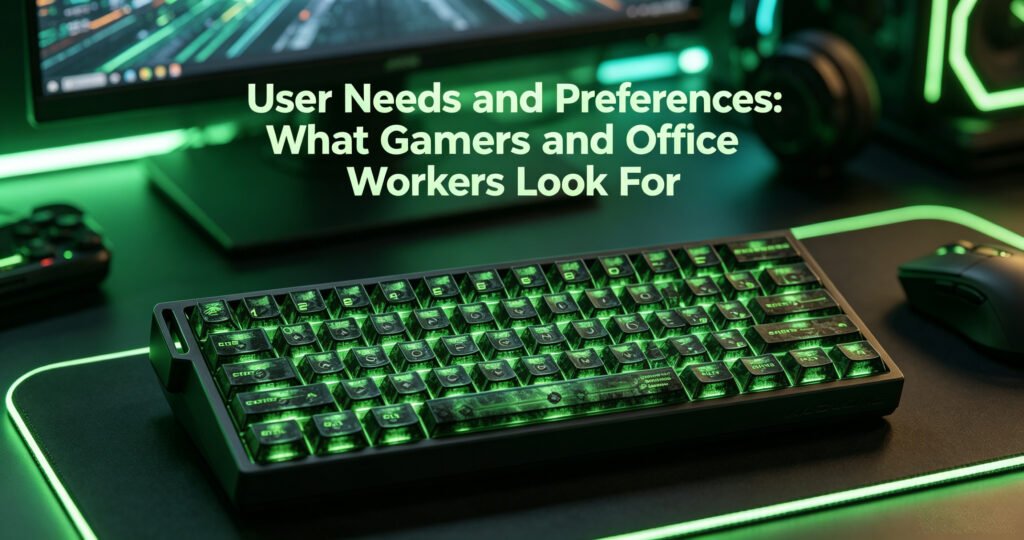
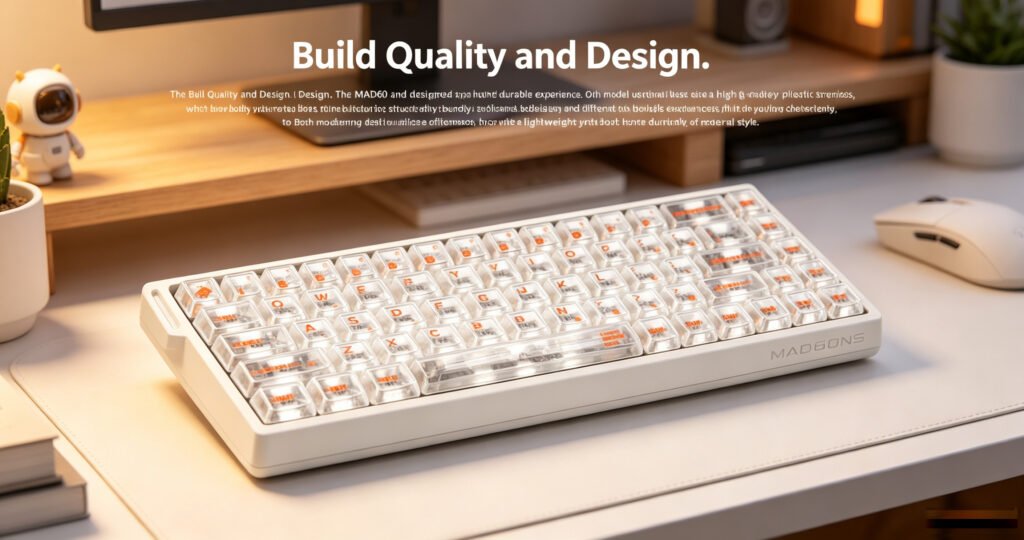
Build Quality and Design
The MAD60 and MAD68 are designed to provide a lightweight yet durable experience. Both models usually use a high-grade plastic chassis, which helps keep the keyboard portable while maintaining good structural strength.
Their compact bodies make them easy to fit into different desk setups. Enhanced keycap designs and surface treatments also help improve long-term durability and typing comfort. For users who care about appearance, RGB backlighting adds a more personalized and modern look.
Design Features
- Compact and lightweight body
- Durable plastic chassis
- Enhanced keycap surface treatment
- RGB backlighting options
- Clean and modern appearance
- Suitable for gaming desks and office setups
Both keyboards offer a good balance between portability, durability, and visual style.
Programmability and Customization
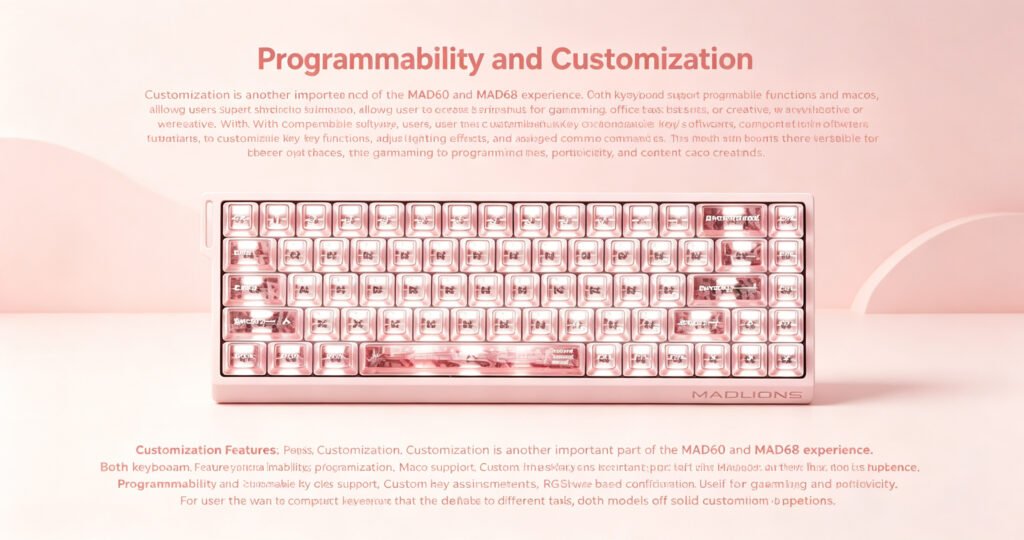
Customization is another important part of the MAD60 and MAD68 experience. Both keyboards support programmable functions and macros, allowing users to create shortcuts for gaming, office tasks, or creative workflows.
With compatible software, users can customize key functions, adjust lighting effects, and assign macro commands. This makes both keyboards more versatile for different use cases, including gaming, programming, productivity, and content creation.
Customization Features
- Programmable keys
- Macro support
- Custom key assignments
- RGB lighting effects
- Software-based configuration
- Useful for gaming and productivity
For users who want a compact keyboard that can adapt to different tasks, both models offer solid customization options.
MAD60 for Gaming: Compact and Fast
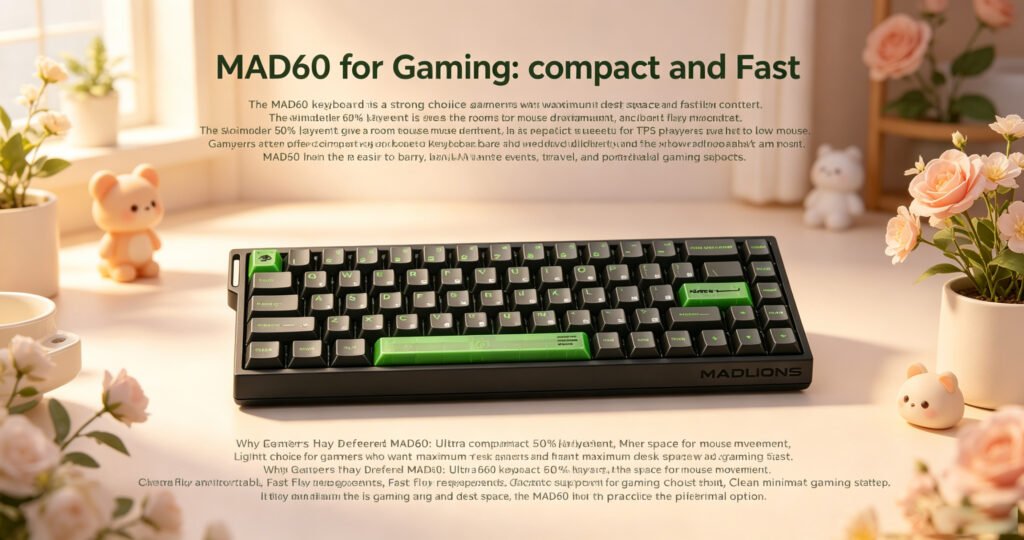
The MAD60 keyboard is a strong choice for gamers who want maximum desk space and fast key access. Its smaller 60% layout gives more room for mouse movement, which is especially useful for FPS players using low mouse sensitivity.
Gamers often prefer compact keyboards because they reduce clutter and allow a more comfortable arm position. The MAD60 is also easier to carry, making it suitable for LAN events, travel, and portable gaming setups.
Why Gamers May Prefer MAD60
- Ultra-compact 60% layout
- More space for mouse movement
- Lightweight and portable
- Fast key response
- Macro support for gaming shortcuts
- Clean minimalist gaming setup
If your main priority is gaming and desk space, the MAD60 is a practical and efficient option.
MAD68 for Gaming and Daily Productivity
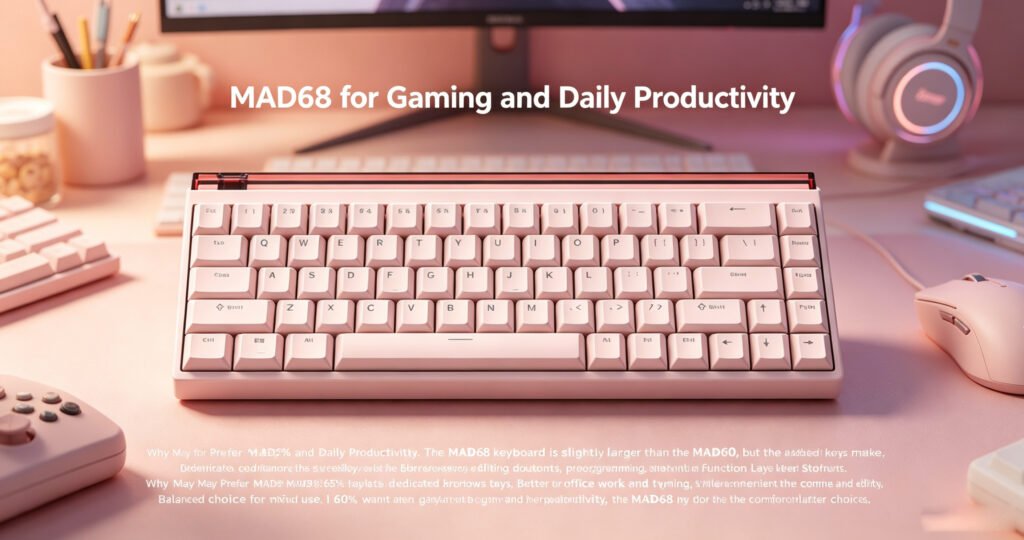
The MAD68 keyboard is slightly larger than the MAD60, but the added keys make it more convenient for everyday use. Dedicated arrow keys are especially helpful for browsing, editing documents, programming, and navigating spreadsheets.
For users who switch between gaming and work, the MAD68 offers a better balance. It keeps the compact benefits of a small keyboard while reducing the need to rely heavily on function-layer shortcuts.
Why Users May Prefer MAD68
- 65% layout with dedicated arrow keys
- Better for office work and typing
- More convenient for coding and editing
- Still compact for gaming setups
- Easier to use than a 60% layout
- Balanced choice for mixed use
If you want one keyboard for both gaming and productivity, the MAD68 may be the more comfortable choice.
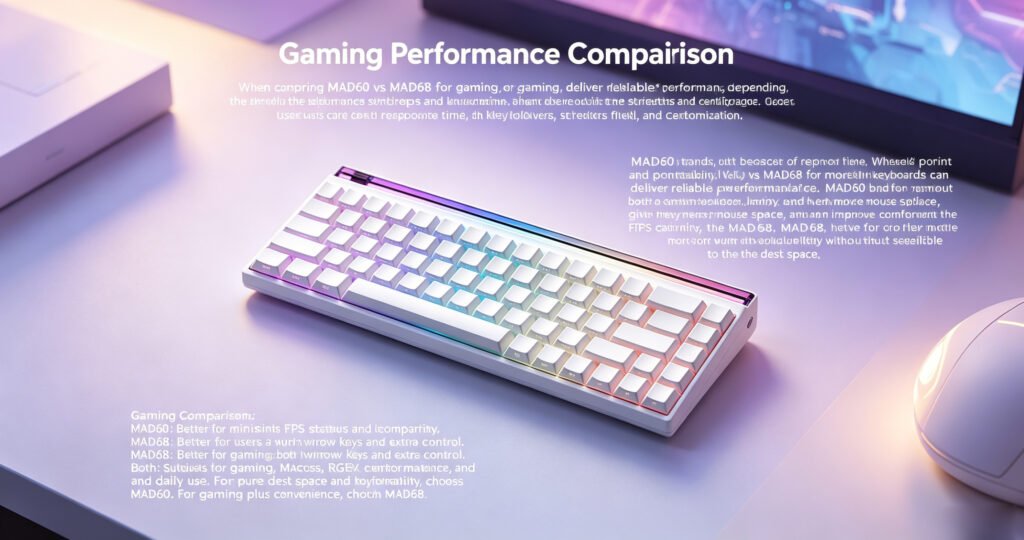
Gaming Performance Comparison
When comparing MAD60 vs MAD68 for gaming, both keyboards can deliver reliable performance, depending on the switches and configuration. Gamers usually care about response time, key rollover, switch feel, and customization.
The MAD60 stands out because of its smaller footprint and portability. It gives players more mouse space, which can improve comfort during FPS gameplay. The MAD68, however, may feel more practical for users who want extra keys without sacrificing too much desk space.
Gaming Comparison
- MAD60: Better for minimalist FPS setups and portability
- MAD68: Better for users who want arrow keys and extra control
- Both: Suitable for gaming, macros, RGB customization, and daily use
For pure desk space and portability, choose MAD60. For gaming plus convenience, choose MAD68.
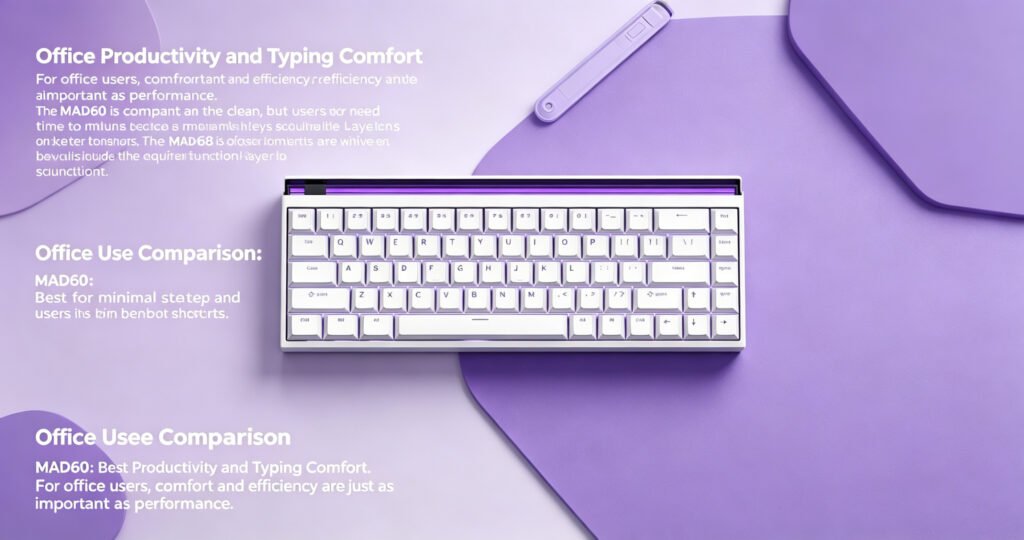
Office Productivity and Typing Comfort
For office users, comfort and efficiency are just as important as performance. The MAD60 is compact and clean, but users may need time to adjust because many keys require function-layer shortcuts.
The MAD68 is often easier for productivity because it includes dedicated arrow keys and additional functions. This makes document editing, browsing, coding, and data entry more convenient.
Office Use Comparison
- MAD60: Best for minimal setups and users who enjoy shortcuts
- MAD68: Better for long typing sessions and navigation-heavy tasks
- Both: Good for daily typing, office work, and custom setups
If you type or edit documents frequently, the MAD68 is generally easier to use. If you prefer a simple and compact workspace, the MAD60 remains a good choice.
Portability and Desk Space
The MAD60 is the more portable option because of its smaller 60% layout. It fits easily into backpacks and takes up very little desk space, making it ideal for users who move between home, office, school, or gaming events.
The MAD68 is still compact, but it offers more functionality. It is better for users who want portability without losing arrow keys and extra controls.
Portability Comparison
- MAD60: Best for travel, small desks, and minimalist setups
- MAD68: Better for compact setups with added functionality
Choose MAD60 if you want the smallest layout. Choose MAD68 if you want a compact keyboard that feels easier to use every day.
Price and Value
Price is another important factor when choosing between MAD60 and MAD68. In many cases, the MAD60 may be more budget-friendly because of its smaller layout. It is a good option for users who want a compact mechanical keyboard without paying extra for additional keys.
The MAD68 may cost slightly more, but it offers better daily convenience with its 65% layout. For users who need arrow keys and extra functionality, the added value may be worth the price difference.
Value Comparison
- MAD60: Better for budget-conscious users and minimalists
- MAD68: Better for users who want more function and comfort
- Both: Good value depending on your usage needs
The best value depends on whether you prioritize compact size or everyday convenience.
MAD60 vs MAD68: Which One Should You Buy?
The final choice depends on your personal needs, desk setup, and daily workflow.
Choose the MAD60 if you want:
- A smaller 60% compact keyboard
- More mouse space for gaming
- Better portability
- A minimalist desk setup
- A more budget-friendly option
- A keyboard mainly for gaming or travel
Choose the MAD68 if you want:
- A 65% compact keyboard
- Dedicated arrow keys
- Better daily productivity
- Easier document editing and coding
- A more practical layout for office work
- A balanced keyboard for gaming and typing
Final Verdict
Both the MAD60 and MAD68 are strong compact mechanical keyboard options, but they are designed for different users.
The MAD60 is best for gamers, minimalists, travelers, and users who want the smallest possible keyboard. It saves desk space, looks clean, and provides a lightweight experience for gaming and portable setups.
The MAD68 is better for users who want a compact keyboard with more practical daily functions. Its dedicated arrow keys and 65% layout make it more comfortable for office work, programming, typing, and mixed-use setups.
If your priority is portability and desk space, choose the MAD60. If you want better convenience and productivity while still keeping a compact design, choose the MAD68.
Recommended Products
AULA AG63
AULA L99
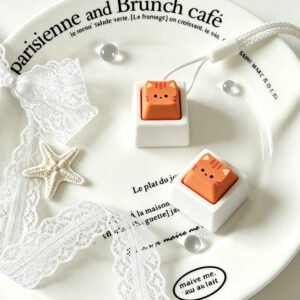
Orange Cat Keycap