MCHOSE G98 V2
Price range: $103.90 through $125.90
VIEW PRODUCT
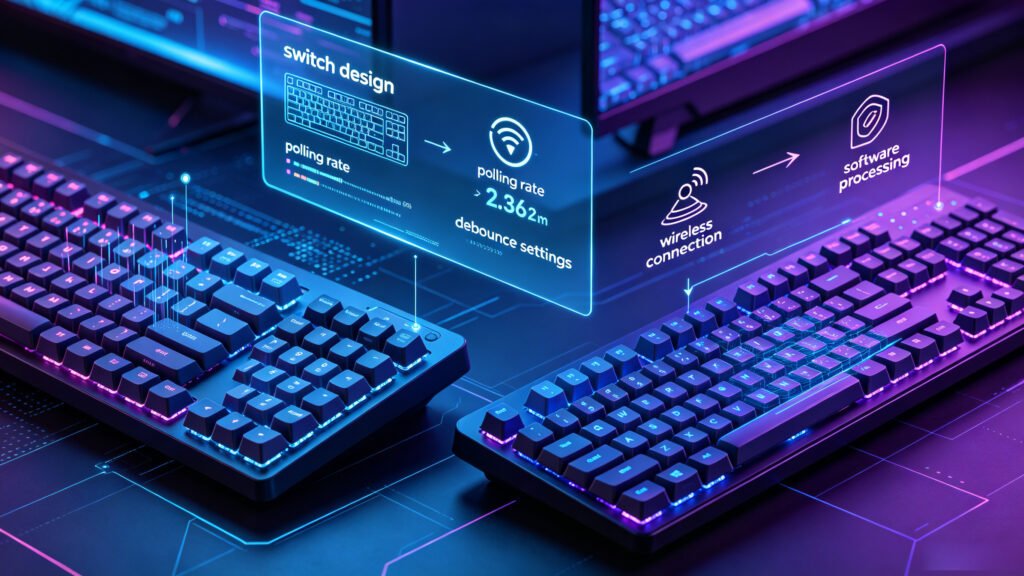
To understand why does my keyboard feel slow, you need to know how a keyboard sends a signal to your computer. When you press a key, the switch activates, the keyboard controller processes the signal, and your PC receives the input. Any delay in this chain can create keyboard response delay.
The most common causes include:
For normal typing, this delay may not be easy to notice. But for competitive gaming, even a few milliseconds can make a keyboard feel less responsive. This is especially true with keyboard latency in Valorant, where movement accuracy and counter-strafing are extremely important.
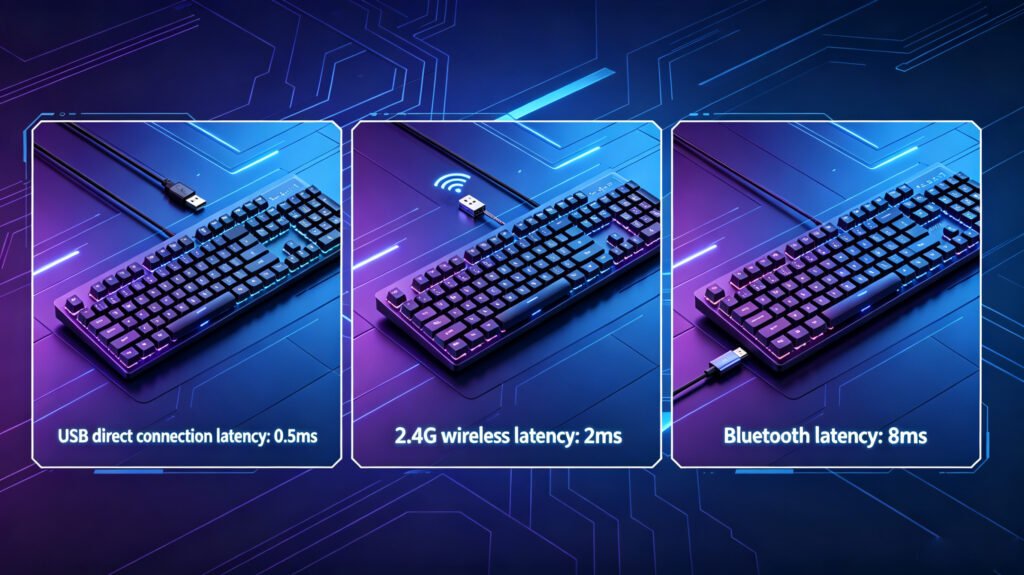
One of the biggest questions gamers ask is whether wireless keyboards are slower than wired keyboards. The answer depends on the connection type.
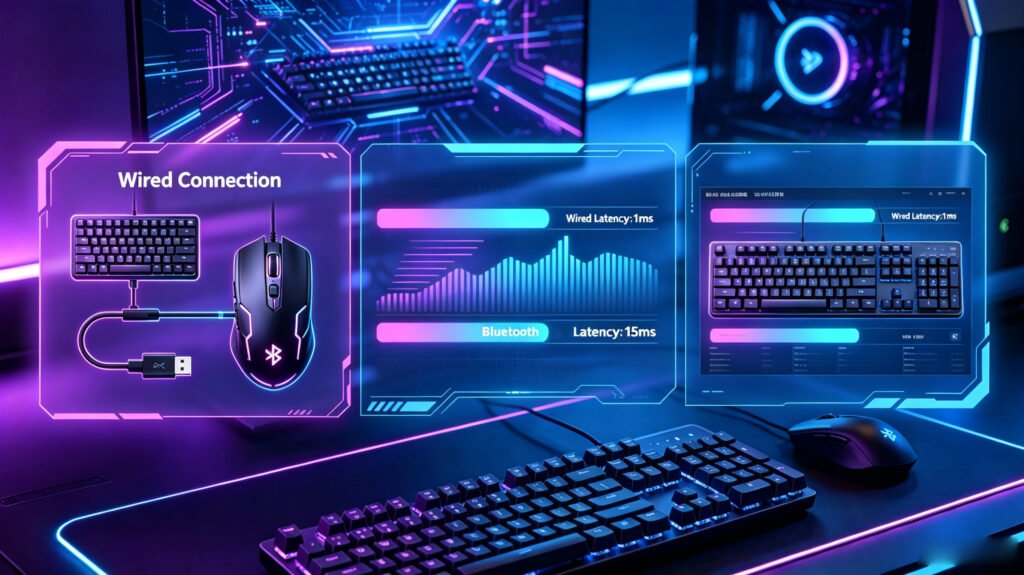
A wired keyboard usually provides the most stable and predictable response. It sends data directly through USB, which helps reduce gaming keyboard latency and input inconsistency. That is why many competitive players still prefer wired mode for tournaments and ranked FPS games.
Wireless keyboards can still be fast, especially with modern 2.4GHz wireless technology. However, wireless keyboard delay may appear if the signal is weak, the battery is low, or there is interference from other devices.
Bluetooth is usually the slowest option for gaming. Bluetooth keyboard latency is fine for office work, tablets, or casual typing, but it may feel delayed in FPS games. If you notice keyboard slow response while playing, switching from Bluetooth to wired or 2.4GHz mode is one of the easiest fixes.
For competitive players, wired mode is still the safest choice when trying to reduce keyboard input lag gaming issues.
Not all gaming keyboards feel the same. Some feel instant and sharp, while others feel soft, delayed, or inconsistent. This is not only about price. It is about keyboard technology.
Traditional mechanical keyboards rely on physical metal contacts. These contacts need debounce processing, which can slightly increase delay. Standard mechanical switches also have a fixed actuation point and fixed reset point. This means the key must travel to a certain distance before it activates and return to a certain point before it can activate again.
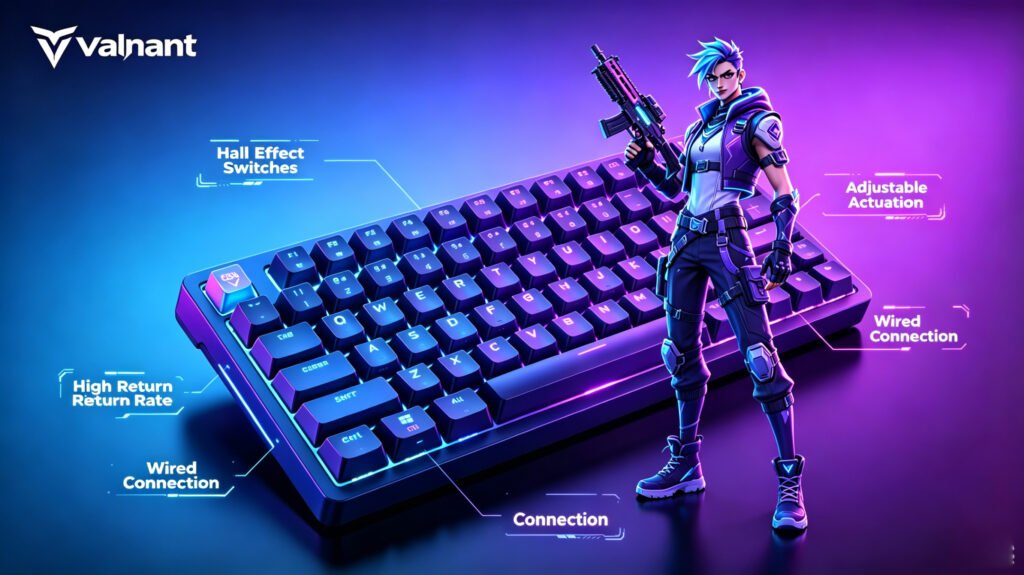
This is where newer technologies become important. A hall effect keyboard uses hall effect switches instead of traditional metal contact switches. These switches detect key position through magnetic sensors, allowing the keyboard to track movement more precisely.
Many modern Hall Effect keyboards also support rapid trigger. This feature lets a key reset the moment you start lifting your finger, instead of waiting for a fixed reset point. For FPS players, this can make movement feel faster, cleaner, and more consistent.
That is why some players say their gaming keyboard response time feels much better after switching to magnetic switch keyboards.
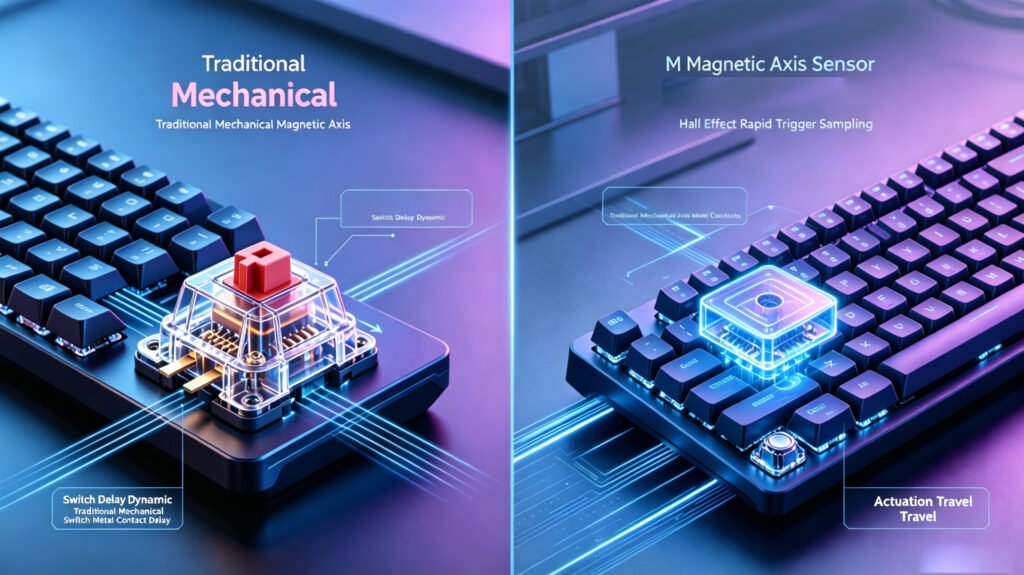
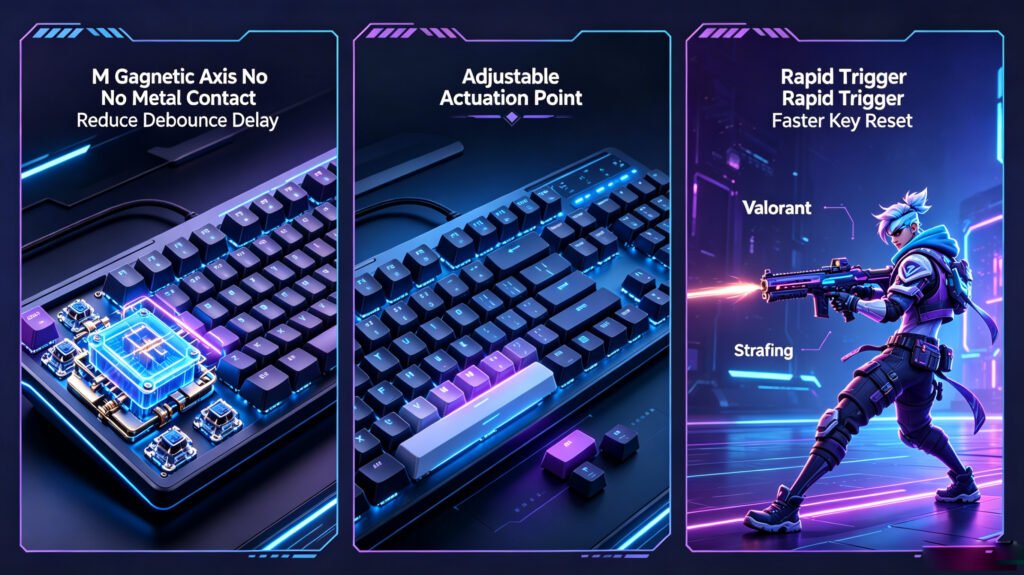
A Hall Effect keyboard can help reduce input latency in several ways. First, because Hall Effect switches do not rely on physical metal contact, they do not need traditional debounce in the same way as mechanical switches. This can reduce unnecessary delay and make input feel more direct.
Second, Hall Effect keyboards offer adjustable actuation. This means you can choose how far a key must travel before it activates. For example, gamers can set movement keys to 0.1mm or 0.2mm for extremely fast input. This helps create a true low latency gaming keyboard experience.
Third, rapid trigger improves key reset speed. In FPS games, this is especially useful for movement keys like A and D. When you counter-strafe in Valorant, you need to stop or change direction quickly. Rapid trigger allows faster release and re-press actions, making keyboard movement feel more responsive.
This is why Hall Effect keyboards are becoming popular for players who care about keyboard delay in FPS games. They are not just faster because of marketing. The technology directly changes how key input is detected and reset.
If you want a fast response keyboard for Valorant, CS2, or other competitive games, Hall Effect models are one of the best options to consider.
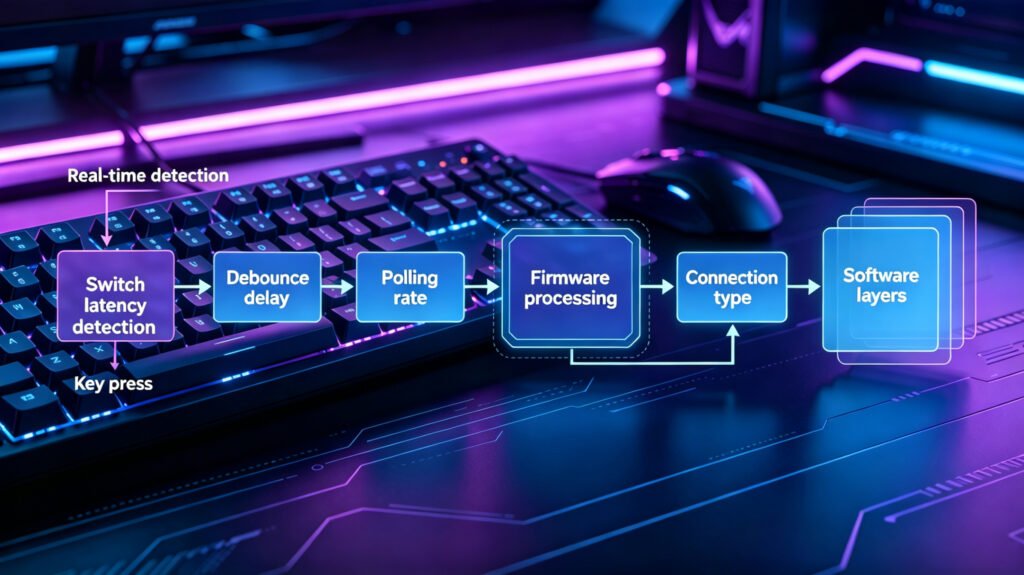
If you are wondering how to reduce keyboard latency or how to fix keyboard input lag, start by using wired mode for competitive gaming, as it usually provides more stable latency than Bluetooth. Avoid Bluetooth for FPS games because it can add noticeable delay, and use wired mode or 2.4GHz wireless instead. If your keyboard software allows it, increase the polling rate to 1000Hz, 4000Hz, or 8000Hz to improve input reporting speed and reduce delay. You can also lower debounce time on supported gaming keyboards, but setting it too low on mechanical switches may cause accidental double inputs. Updating your keyboard firmware can improve stability, fix bugs, and reduce inconsistent response. For a bigger upgrade, consider using Hall Effect switches, which often provide rapid trigger, adjustable actuation, and lower input delay than traditional mechanical models. Finally, disable unnecessary software layers such as extra drivers, macro tools, or RGB control apps, because they can sometimes affect keyboard performance. These steps can help if your gaming keyboard feels delayed or if keyboard response feels inconsistent during games.
When choosing the best keyboard for low latency, focus on performance features instead of only appearance. A good FPS keyboard should have fast response time, stable firmware, reliable switches, and a strong wired connection.
For FPS gaming, look for:
A compact 60%, 65%, or 75% keyboard is often ideal for FPS gaming because it gives your mouse more room. For players using low sensitivity, this can make a real difference.
A Hall Effect model is especially useful if you play games where movement timing matters. For example, keyboard latency in Valorant can affect counter-strafing and peeking. A low latency keyboard can make your movement feel more controlled and your response more consistent.
Mechanical keyboards are still great for typing and general use, but for competitive FPS games, magnetic switch keyboards usually offer better latency-focused features.
So, why keyboard input feels delayed? The answer usually comes down to latency, polling rate, debounce, connection type, switch design, and firmware. It is not always a computer problem. Often, the keyboard itself is the reason your input feels slow or inconsistent.
If you play casually, a small delay may not matter much. But if you play Valorant, CS2, or other competitive FPS games, reducing keyboard input lag can improve your movement control and overall response.
To get the best results, use wired mode, avoid Bluetooth for gaming, update firmware, increase polling rate, and consider a Hall Effect keyboard with rapid trigger and adjustable actuation.
A good low latency gaming keyboard will not aim for you, but it can remove unnecessary delay between your fingers and the game. For competitive players, that smoother and faster response can make every movement feel more precise.
![G87 V2 BlackBerry Pink Fast Gold Switch [Tri-Mode + Knob]](https://geekkeyboard.com/wp-content/uploads/2026/05/G87-V2-BlackBerry-Pink-Fast-Gold-Switch-Tri-Mode-Knob-300x300.jpg)
![Ace 68 V2 Ultra Competitive Edition Fog Transparent Pink BMW Hall Effect Switch [RT Key]](https://geekkeyboard.com/wp-content/uploads/2026/05/Ace-68-V2-Ultra-Competitive-Edition-Fog-Transparent-Pink-BMW-Hall-Effect-Switch-RT-Key-300x300.jpg)